Show summary Hide summary
- Bold design meets functionality: what the new terminal offers
- Signage that guides like a personal assistant
- How the signage improves passenger flow
- Technology under the hood
- Passenger experience: early impressions
- Accessibility and inclusivity built in
- Environmental and operational advantages
- Voices from the project and the region
- What travelers should know before they go
The city of Pittsburgh has opened a striking new airport terminal that blends cutting-edge design with practical wayfinding. Travelers arriving at the $1.7 billion facility are met by bold visual cues and digital guidance that aim to transform the travel experience. The terminal’s futuristic signage is already drawing attention from passengers, architects, and transit experts.
Bold design meets functionality: what the new terminal offers
The new terminal replaces older facilities with a streamlined layout. It focuses on clarity and ease of movement. Architects prioritized sightlines and short walking distances.
U.S. embassies warn: 5 new travel alerts after demonstrations spread
Arkansas’ Darius Acuff Jr. earns rare Kyrie Irving comp from Bill Simmons
- Cost and scale: The project cost roughly $1.7 billion and added modern gates and amenities.
- Open concourses reduce crowding and make boarding lines easier to manage.
- Public spaces incorporate natural light to improve comfort and orientation.
Signage that guides like a personal assistant
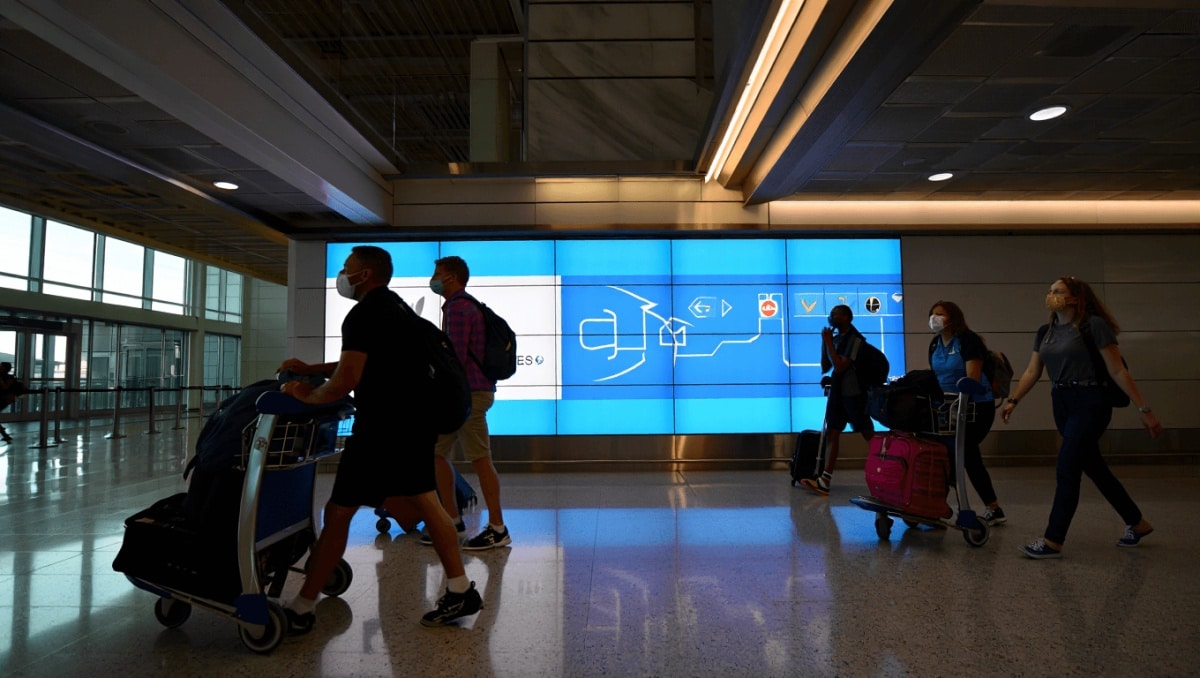
Signage plays a central role in the terminal’s strategy. Every sign was designed to reduce confusion and speed up decision-making.
Visual hierarchy and consistency
Designers created a clear visual hierarchy. Key directions use large icons and bold fonts. Secondary information appears in smaller type. This hierarchy helps passengers find gates, security, and baggage claim at a glance.
Digital displays and dynamic routing
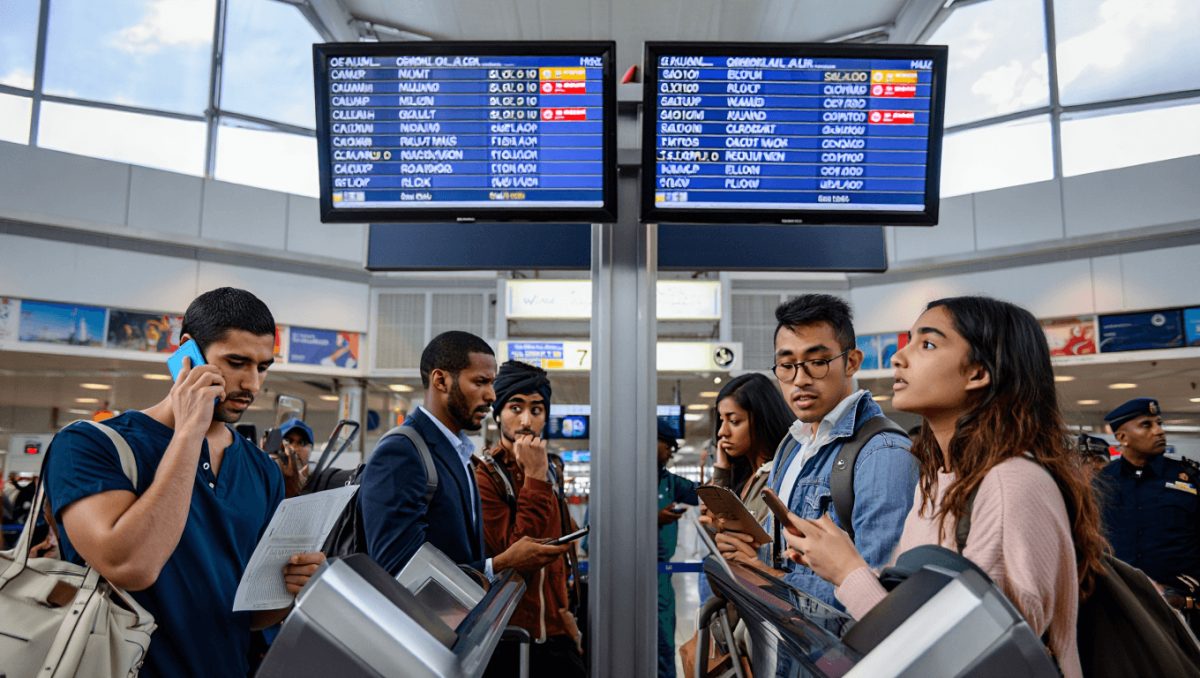
Interactive screens update in real time. Flight data, gate changes, and walking times appear on demand. The system can direct travelers to less crowded security lanes.
How the signage improves passenger flow
Wayfinding is not just about signs. It’s about movement patterns. The terminal’s signage reduces bottlenecks.
- Colored pathways guide passengers toward terminals and services.
- Floor markers show estimated walking time to each gate.
- Multilingual labels and pictograms help international travelers.
Result: shorter lines, fewer missed connections, and calmer travelers.
Technology under the hood
Behind the visible signage lies a network of sensors and software. These tools collect anonymized data to tune directions.
- Footfall sensors track crowd density in real time.
- AI algorithms suggest optimal routes during peak times.
- Mobile integration allows passengers to receive personalized wayfinding on their phones.
Passenger experience: early impressions
Travelers report faster navigation and less stress. Social media posts highlight the terminal’s modern look and helpful displays.
- Families say child-friendly icons made travel smoother.
- Business travelers appreciate clear walking times to gates.
- First-time visitors note the signage feels intuitive.
Feedback: many passengers praised the combination of form and function.
Accessibility and inclusivity built in
The terminal’s wayfinding does not rely on sight alone. Tactile cues and audible announcements support passengers with disabilities.
- Raised floor textures mark key decision points.
- High-contrast signs aid low-vision travelers.
- Audio prompts are synced with digital displays for clarity.
Environmental and operational advantages
Design choices also tie into sustainability and cost-efficiency. LED signage reduces energy use. Operational software optimizes staffing and lane deployment.
- Energy-efficient lighting lowers long-term operating costs.
- Data-driven routing can reduce unnecessary staff overtime.
- Materials were chosen for durability and low maintenance.
Voices from the project and the region
Airport officials emphasize the terminal’s role in regional growth. City leaders see it as a statement of ambition for Pittsburgh.
- Design team members highlight collaborative planning and testing.
- Local businesses expect more visitors and new travel flows.
- Transit analysts note its potential to reshape airport travel patterns.
What travelers should know before they go
Passengers can prepare by checking their airline app and following real-time airport alerts. The terminal’s design shortens transfer times, but busy periods still require early arrival.
- Allow extra time during peak travel days.
- Use mobile wayfinding to get personalized walking directions.
- Look for colored pathways to speed up navigation.