Show summary Hide summary
- What the Google Wallet update means for TSA PreCheck users
- How touchless ID actually works at the checkpoint
- Devices and eligibility: who can use the new feature
- Why airports and airlines are adopting contactless ID
- Privacy and security safeguards to know about
- How to add your TSA PreCheck credential to Google Wallet
- Airports and rollout: where you can use touchless ID now
- Practical tips for travelers
- Potential impacts on airport flow and customer service
Travelers will find it easier to glide through airport security as Google Wallet now supports TSA PreCheck’s touchless ID feature. The update streamlines an already fast lane by letting passengers present a digital credential from their phone, cutting down on fumbling with plastic cards and physical IDs.
What the Google Wallet update means for TSA PreCheck users
The key change lets eligible flyers use a phone-stored credential at airport checkpoints. Instead of pulling out a TSA PreCheck card or boarding pass, travelers tap or present their device to verify identity. This makes the security step quicker and less hands-on.
Dolly Parton: the surprising true story behind I will always love you
Miley Cyrus gushes over godmother Dolly Parton: the most loved person on the planet
How touchless ID actually works at the checkpoint
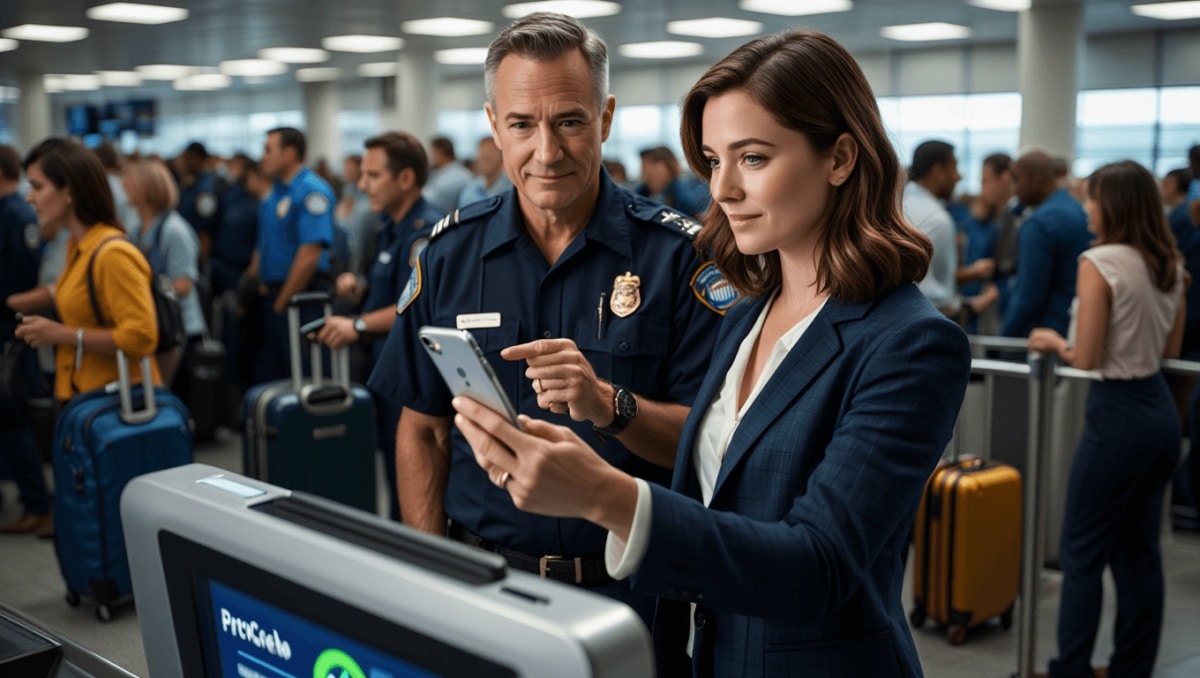
At participating airports, a scanner reads a secure digital token from the phone. The system confirms enrollment in TSA PreCheck and matches the traveler to a boarding pass. The process is designed to be fast, private, and contactless.
Step-by-step use
- Open Google Wallet and select your TSA credential.
- Hold the phone near the checkpoint reader when prompted.
- Wait for confirmation that you are cleared for the PreCheck lane.
- Proceed through security with your carry-on items as usual.
Devices and eligibility: who can use the new feature
Not all phones support the touchless experience yet. Google Wallet requires modern Android devices with the necessary hardware and software. Travelers must also be enrolled in TSA PreCheck and have their credential added to Google Wallet.
- Enrollment in TSA PreCheck is still required.
- Google Wallet must be installed and up to date.
- Compatible phones typically include recent Android models with NFC support.
Why airports and airlines are adopting contactless ID
Airports prioritize speed and hygiene. Contactless ID reduces queues and limits physical contact points. Airlines benefit from smoother boarding flows and fewer delays near security checkpoints. Faster security lines mean fewer missed flights and a better passenger experience.
Privacy and security safeguards to know about
Digital credentials use encrypted tokens rather than transmitting raw ID data. That limits exposure of personal information. Google Wallet stores credentials in a secure environment, adding layers of protection. Still, travelers should check device settings and permissions.
- Digital tokens replace full ID transmissions.
- Credentials are stored in a secure element on the device.
- Users can remove credentials from Google Wallet at any time.
How to add your TSA PreCheck credential to Google Wallet
- Confirm your TSA PreCheck status and eligibility.
- Install or update Google Wallet on your Android device.
- Follow in-app prompts to add a government or travel credential.
- Authenticate with any required verification steps.
- Test the credential at a participating checkpoint when traveling.
Airports and rollout: where you can use touchless ID now
The rollout is phased. Major U.S. airports and several international hubs will be first in line. Check airport or airline notices before travel. Not every checkpoint has compatible readers yet.
- Expect a staggered rollout across airports.
- Airlines may vary how they integrate the feature.
- Check official TSA and Google pages for the latest locations.
Practical tips for travelers
- Keep a physical ID accessible as a backup.
- Charge your phone before heading to the airport.
- Enable device security like biometrics or a passcode.
- Update Google Wallet and check compatibility ahead of time.
Potential impacts on airport flow and customer service
Touchless ID can reduce bottlenecks during peak hours. Front-line staff will still be available to assist with exceptions. Over time, fewer document checks could lower staffing needs at certain stations, while improving throughput and passenger satisfaction.