Show summary Hide summary
- What the new rebooking feature delivers for passengers
- Step-by-step: How to rebook on your phone
- Real-time bag tracking: what updates look like
- Benefits for frequent flyers and families
- Tips to get the most from the updated app
- How this fits into airline app trends and competition
- Security and privacy considerations for travelers
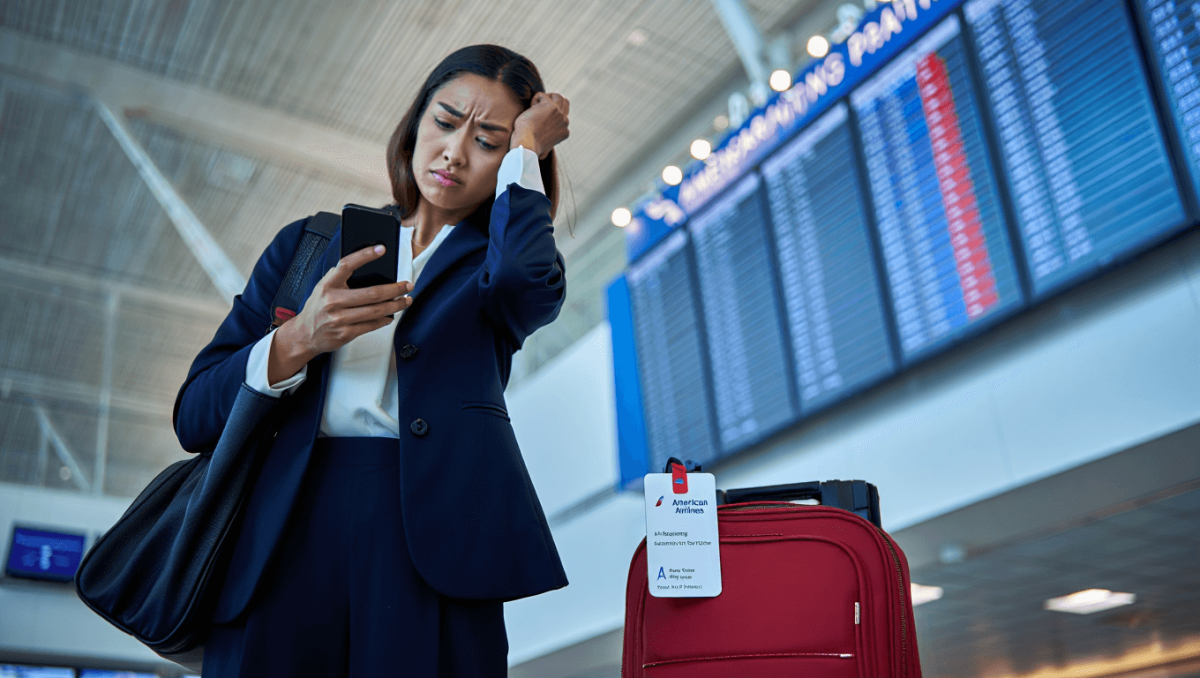
American Airlines has rolled out a major update to its mobile app, adding faster rebooking tools and improved bag-tracking capabilities. The move aims to reduce airport stress and speed up recovery when flights or luggage go off plan. Travelers can now manage disruptions and monitor checked baggage with fewer calls and less time in line.
What the new rebooking feature delivers for passengers
The updated app gives passengers more control when flights are delayed or canceled. Instant rebooking suggestions appear inside the app. Users can compare options and confirm a new flight without waiting at the counter.
United Polaris Studio suites: tickets now on sale for April inaugural flights
Auston Matthews-Radko Gudas controversy: Pierre LeBrun predicts fallout
- Automatic alerts for eligible rebookings.
- Alternate flights sorted by travel time, connections, and fare impact.
- Option to request help from an agent inside the app.
- Integration with boarding passes and seat assignments.
Step-by-step: How to rebook on your phone
Using the rebooking tool is built around simple, fast prompts. Follow these steps to change your flight in minutes.
- Enable app notifications and sign in to your account.
- Open your trip in the app after a disruption alert.
- Review suggested alternatives and tap to view details.
- Confirm the new itinerary or request agent support.
- Receive updated boarding passes and trip notifications instantly.
Real-time bag tracking: what updates look like
The bag-tracking function shows the tag status from check-in to baggage claim. Travelers see location updates and a status timeline. Notifications tell you when your bag moves or is loaded.
- Status labels such as “Checked,” “Loaded,” “In Transit,” and “At Claim.”
- Estimated times for arrival at the baggage carousel.
- Ability to add bag tag numbers for precise tracking.
- Push alerts when a bag is delayed or arrives.
How the tracking data is delivered
Tracking relies on airport scanners and airline systems that update bag events. The app consolidates those events into a clear timeline. This reduces guesswork at busy airports.
Benefits for frequent flyers and families
Passengers who travel often gain quicker problem resolution. Families with tight connections or multi-leg trips avoid uncertainty. Faster rebooking and accurate bag status help travelers save time and stress.
- Reduced wait times at service desks.
- Faster turnaround for missed connections.
- Smoother coordination when traveling with children or groups.
- Better visibility for connecting baggage transfers.
Tips to get the most from the updated app
Small steps improve the experience and the accuracy of alerts. Follow these tips before traveling.
- Update the app to the latest version before your trip.
- Enable push notifications and location permissions.
- Add your bag tag number to the trip details.
- Save frequent passenger profiles to speed rebooking.
- Use in-app agent chat if you need human assistance.
How this fits into airline app trends and competition
Carriers are racing to digitize services that once required agents. American Airlines’ update joins similar moves by other major airlines to offer self-service fixes. Airlines use mobile apps to improve customer experience and cut operational costs.
- Competitors have been expanding bag-tracking and instant rebooking.
- Airlines increasingly rely on real-time event data from airports.
- Mobile-first tools reduce congestion at airport counters.
Security and privacy considerations for travelers
American Airlines says it follows standard data protections when processing travel and baggage events. Travelers should review app permissions and privacy settings. Grant only the permissions needed for tracking and notifications.
- Review the privacy policy in the app.
- Limit location access if you prefer fewer updates.
- Keep login credentials secure and use multi-factor authentication.