Show summary Hide summary
- How to begin: what you need before activation
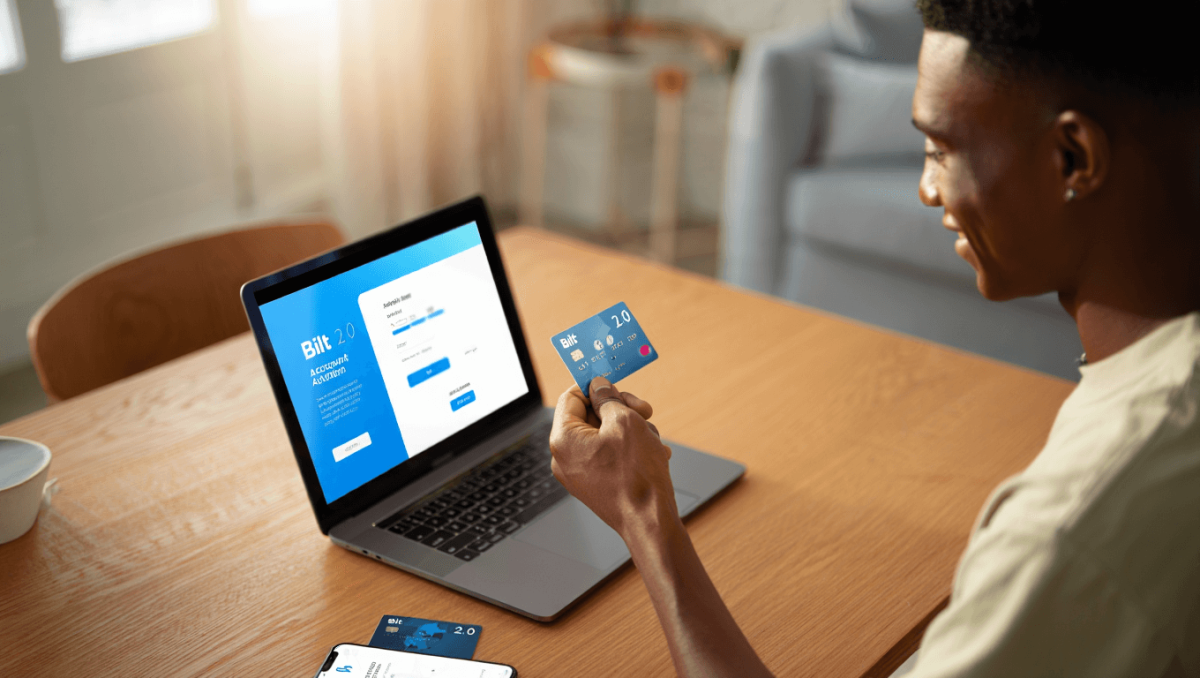
- Step-by-step: activating your Bilt 2.0 card in the app
- Linking a bank account and enabling automatic payments
- Using your card right away: physical vs virtual options
- How to track and maximize rewards
- Troubleshooting common activation problems
- Security controls and fraud prevention tools
- Adding your Bilt card to online accounts and subscriptions
- Quick FAQ: speed answers about activation and use
The Bilt 2.0 cards are rolling out and many users are ready to activate them. Whether you received a physical card or a virtual version, the setup is straightforward when you know the steps. Below is a clear, practical guide to get your card active, secure, and earning rewards fast.
How to begin: what you need before activation
Before you start, gather a few essentials. These make activation move smoothly and avoid delays.
Arkansas’ Darius Acuff Jr. earns rare Kyrie Irving comp from Bill Simmons
Sean Penn awarded Oscar forged from war-damaged Ukrainian train: he skipped the ceremony
- Have your phone and the latest Bilt app ready.
- Keep a government ID and the last four digits of your Social Security number handy.
- If you ordered a physical card, track its delivery. Virtual cards often appear in the app immediately.
- Make sure you can receive texts and email for verification codes.
Step-by-step: activating your Bilt 2.0 card in the app
Activating the card takes minutes. Follow these steps in order for the fastest setup.
- Download or open the Bilt app. Use the App Store or Google Play to ensure you have the official version.
- Create or sign in to your Bilt account. Enter your name, email, and a secure password. Verify your email if prompted.
- Complete identity verification. Provide the requested ID details and the last four digits of your SSN. This is required for account approval.
- Locate the card activation screen. Tap the card image or the “Activate Card” button in the app menu.
- Enter card details if prompted. For a physical card, you may need to type the CVV and expiration date. For a virtual card, activation might be automatic.
- Set your four-digit PIN if required. Choose a PIN you’ll remember and keep it private.
- Add the card to your digital wallet. Opt to add to Apple Pay, Google Pay, or Samsung Pay for instant contactless payments.
Linking a bank account and enabling automatic payments
To avoid late payments and to build credit, connect a funding source and set up autopay.
- Open the Payments or Billing section in the app.
- Choose “Add Bank Account” and follow the prompts to verify via micro-deposits or instant verification.
- Decide on autopay settings: minimum payment, full balance, or a fixed amount.
- Turn on autopay for consistent on-time payments and to reduce missed-payment risk.
Using your card right away: physical vs virtual options
Bilt often issues a virtual card that you can use before the plastic arrives.
- Virtual card details appear in the app for immediate online or mobile wallet use.
- Physical cards typically take a few business days to arrive after activation.
- For in-store purchases, add the card to your phone wallet for contactless payments.
How to track and maximize rewards
The Bilt program centers on rewards for rent and everyday spending. Use the app to keep tabs.
- Open the Rewards or Points tab to view your balance and recent activity.
- Check the rewards-earning categories and promotional offers frequently.
- Link travel partners or transfer partners if available to stretch points further.
- Monitor monthly statements to confirm points post correctly.
Troubleshooting common activation problems
If you hit a snag, these fixes solve most issues fast.
- App shows an error: update the app or reinstall it.
- Verification code not arriving: confirm phone number and check spam filters for email codes.
- Card not activating: confirm the CVV and expiration date, then retry.
- Account verification pending: provide requested documents and allow time for review.
- If problems persist, contact Bilt support through the app or the official help center.
Security controls and fraud prevention tools
Bilt includes features to protect you. Familiarize yourself with them early.
- Card lock/unlock: Temporarily disable the card from the app if lost.
- Set up transaction alerts for unusual charges.
- Use biometric login and two-factor authentication when available.
- Report suspected fraud immediately through the app to freeze activity.
Adding your Bilt card to online accounts and subscriptions
Once active, update your payment details to avoid service interruptions.
- Add the card to streaming services, shopping sites, and travel accounts.
- Replace expired cards in recurring payments to prevent declines.
- For large recurring rent payments, confirm whether your landlord accepts card payments through Bilt or a partner portal.
Quick FAQ: speed answers about activation and use
Can I use a virtual card before the plastic arrives?
Yes. Virtual card numbers typically appear in the app for immediate use.
Will activation affect my credit?
Applying for a credit card may involve a credit check. Check the app or terms before applying.
Who do I contact for urgent issues?
Use the in-app support chat or the Bilt help center for the fastest response.