
Show summary Hide summary
- What the Wi‑Fi status match actually offers
- Who is eligible to apply for Premier via the Wi‑Fi match
- Step-by-step: How to submit your status match request
- What benefits come with matched Premier status
- Key limitations, rules and fine print to watch
- Why United is focusing on Delta flyers with this offer
- Practical advice before you apply
- How long approvals take and what to expect after approval
United has launched a new status-match promotion tied to in-flight Wi‑Fi subscriptions that appears aimed squarely at Delta’s loyal flyers. The move mixes digital perks with elite travel benefits, creating a fast track for some travelers into United’s Premier ranks. Here’s what you need to know if you’re considering a switch.
What the Wi‑Fi status match actually offers
The program allows qualifying frequent flyers to receive temporary or matched United Premier status by verifying eligible elite status with another carrier and an active in‑flight Wi‑Fi subscription. United is positioning this as a way to reward frequent flyers who use connectivity services while traveling.
Taylor Swift: are we over her now that her love story is complete?
Jaime King and Austin Sosa divorced after secret whirlwind marriage: split leaves them blindsided
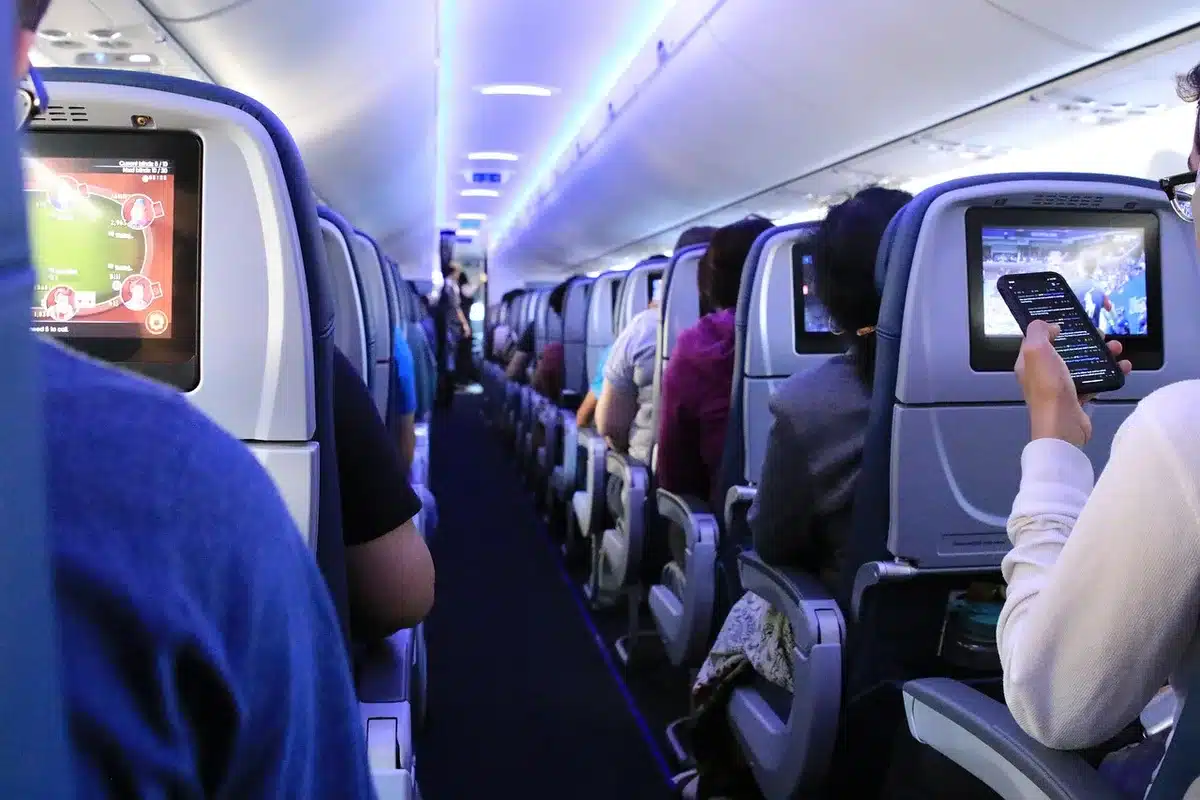
- Matched tiers: Applicants may receive a United Premier level that mirrors their status with another airline, subject to United’s mapping rules.
- Duration: Matches are typically granted for a limited period, giving travelers time to requalify under United’s usual earning rules.
- Connectivity tie-in: Proof of an active in‑flight Wi‑Fi subscription or recent usage may be required as part of the verification process.
Who is eligible to apply for Premier via the Wi‑Fi match
Not every flyer will qualify. United targets those who already hold elite status with rival carriers and who demonstrate regular in‑flight connectivity usage.
- Current elite members of other global airlines, including Delta Medallion tiers.
- Customers with a valid, active in‑flight Wi‑Fi subscription or documented Wi‑Fi usage during recent flights.
- Applicants must provide proof of status and proof of connectivity enrollment or recent Wi‑Fi receipts.
Note: Corporate travel accounts and loyalty accounts with restrictions may not be eligible. Always check the program terms for exclusions.
Step-by-step: How to submit your status match request
The application process is straightforward but requires accurate documentation.

- Visit United’s status match landing page and log in or create a MileagePlus account.
- Complete the online form and select the level of elite status you are requesting.
- Upload verification documents: a screenshot or statement showing current elite status and proof of active in‑flight Wi‑Fi subscription or recent Wi‑Fi receipt.
- Wait for United to review the submission. Approval timelines vary.
- If approved, confirm the start and end dates for the matched Premier status in your MileagePlus account.
Tip: Save PDFs of your receipts and status pages. Clear screenshots make approvals faster.
What benefits come with matched Premier status
Matched status unlocks many of the standard United Premier perks. These benefits improve the airport and onboard experience.
- Priority check‑in, security, and boarding.
- Complimentary Premier upgrades on eligible flights when available.
- Bonus award miles and higher mileage accrual rates.
- Preferred seating and potential fee waivers for checked bags on domestic itineraries.
Keep in mind: Some benefits depend on the specific Premier level and route availability.
Key limitations, rules and fine print to watch
Promotions like this carry important caveats. Read the official terms before you apply.
- Matches are often one‑time and temporary; you may need to requalify under United’s earning thresholds.
- Airline partners and select market segments may be excluded.
- Wi‑Fi proof is typically required during the application window; outdated receipts might be rejected.
- Matched status does not guarantee upgrades or availability on all flights.
Why United is focusing on Delta flyers with this offer
Delta holds a strong share of U.S. premium travelers. By bundling a status match with Wi‑Fi usage, United is leveraging two trends: travelers’ demand for connectivity and willingness to switch carriers for tangible elite perks.
- Connected travelers are profitable and loyal to tech-enabled services.
- Status matches lower the barrier to trial for travelers considering a long‑term switch.
- The Wi‑Fi angle signals United’s push to reward modern travel behaviors.
Practical advice before you apply
Consider these steps to improve your odds and avoid surprises.
- Confirm your current elite status is active and visible in your other airline’s account.
- Gather recent Wi‑Fi receipts or screenshots showing active subscription or recent in‑flight purchases.
- Compare mapped benefits to ensure the matched Premier level meets your needs.
- Plan travel during the matched period to maximize value and meet requalification thresholds.
How long approvals take and what to expect after approval
Approval times vary. Some travelers see a response within days; others may wait a few weeks. After approval:
- United will apply the matched Premier status to your MileagePlus account for the stated period.
- Monitor your account for any benefit activations and track the expiration date.
- Begin booking and testing perks like priority boarding and upgrade requests.