Show summary Hide summary
- Why TSA PreCheck on your boarding pass matters more than ever
- How airlines and TSA decide whether PreCheck appears
- Before you leave home: simple checks to avoid surprises
- What to do if your boarding pass doesn’t show PreCheck at the airport
- How to add or update your Known Traveler Number
- When PreCheck won’t appear: real reasons and what they mean
- Enrolling, renewing, and alternatives to PreCheck
- Practical travel tips to reduce the risk of losing PreCheck access
- What to expect at the security checkpoint if PreCheck is not shown
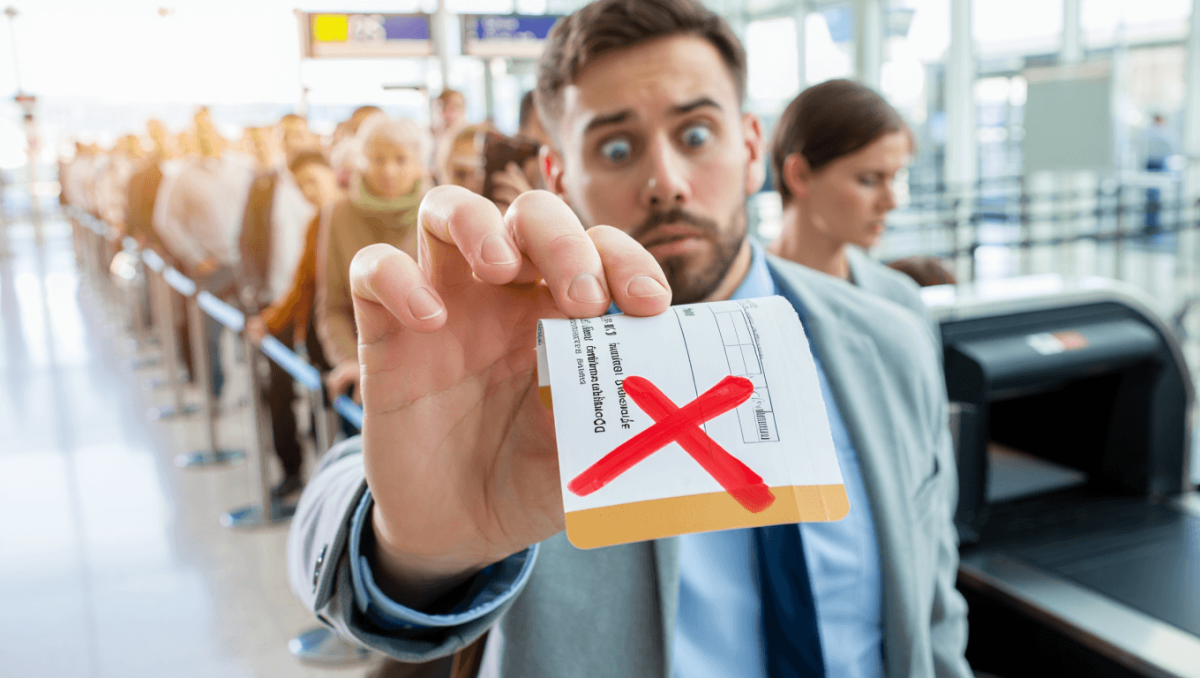
Standing in line at the airport and spotting that missing “TSA PreCheck” on your boarding pass is a moment of frustration many travelers know. It can turn a smooth preflight routine into a last-minute scramble. Knowing why that label matters and how to prevent or fix the problem can save time, reduce stress, and keep you on schedule.
Why TSA PreCheck on your boarding pass matters more than ever
TSA PreCheck is a shortcut through airport security. It keeps shoes, belts, and laptops in place. Lines move faster and touchpoints drop.
Sophia Laforteza of Katseye announces hiatus: comes months after Manon Bannerman’s exit
Delta to return to Tokyo Narita hub in 2027: 7-year comeback
Faster screening lowers the chance of missing a flight. Fewer physical interactions matter for health and convenience. That is why seeing “TSA PreCheck” on your boarding pass makes a real difference.
How airlines and TSA decide whether PreCheck appears
Several systems talk to each other when you check in. Your airline pulls your Known Traveler Number, then the Transportation Security Administration confirms your PreCheck status. If any step fails, the PreCheck indicator may not appear.
- Known Traveler Number (KTN) missing from your reservation.
- Name mismatch between reservation and your KTN record.
- Booking made through a partner airline or codeshare error.
- Membership expired or under review.
- Random security exclusions applied by TSA.
Before you leave home: simple checks to avoid surprises
Small proactive steps often prevent a last-minute scramble. Check your boarding pass early and confirm the KTN is in your flight profile.
- Log into the airline app or website and confirm your KTN is attached to the specific booking.
- Make sure the name on your reservation exactly matches your KTN record.
- Print or save your boarding pass and verify it reads “TSA PreCheck”.
- If you recently renewed PreCheck or changed names, allow time for systems to update.
Mobile vs. printed passes
Mobile boarding passes sometimes render PreCheck differently. Always zoom in and read the fine print. If unsure, reprint at the airport kiosk or ask an agent to confirm.
What to do if your boarding pass doesn’t show PreCheck at the airport
Finding out only at the airport can be stressful. Follow a calm, quick set of steps to resolve the issue.
- Go to the airline ticket counter or kiosk and ask to have your boarding pass reissued.
- Confirm the KTN is linked to that flight. Ask staff to correct the booking if needed.
- If staff say the KTN is in the system but the pass still lacks PreCheck, ask a TSA officer to verify your status.
- Be prepared for the possibility that you must use the standard screening lane.
If the PreCheck indicator is missing, you may be denied access to the PreCheck lane. Some TSA officers can verify your KTN and allow entry. But that is not guaranteed.
How to add or update your Known Traveler Number
Adding your KTN is simple and fast when done ahead of time. Do it through the airline site or mobile app.
- Save the KTN in your traveler profile for future bookings.
- Add it during the flight check-in process for existing reservations.
- Double-check after seat changes or itinerary edits.
Always match your reservation name to your KTN record. Middle initials and punctuation can cause mismatches that block PreCheck.
When PreCheck won’t appear: real reasons and what they mean
Understanding why your pass lacks PreCheck helps you set expectations.
- Random exclusions: TSA may exclude passengers for additional screening.
- International connections: PreCheck may not apply on some international legs.
- Codeshare and partner flights: The operating carrier may not transmit your KTN properly.
- Membership lapse: Expired or pending renewals can block the indicator.
Enrolling, renewing, and alternatives to PreCheck
TSA PreCheck requires an application, background check, and a short interview. Global Entry members get PreCheck as a benefit.
- Enrollment costs and timelines change. Check the official TSA site for current fees.
- Renewal is necessary; set reminders so your membership never lapses.
- Global Entry is an option for frequent international travelers.
Practical travel tips to reduce the risk of losing PreCheck access
- Store your KTN in multiple airline profiles if you fly various carriers.
- Use the same exact name format for every booking.
- Update frequent flyer profiles and OTA bookings with your KTN.
- Check your boarding pass as soon as you check in.
- Allow extra time at the airport when traveling during peak periods.
What to expect at the security checkpoint if PreCheck is not shown
If your boarding pass lacks the PreCheck stripe, plan for standard screening. Lines can be long. Have your ID and boarding pass ready. Be patient and polite with TSA officers.
Missing PreCheck does not equal denial of travel. It only means the expedited lane may be unavailable.